
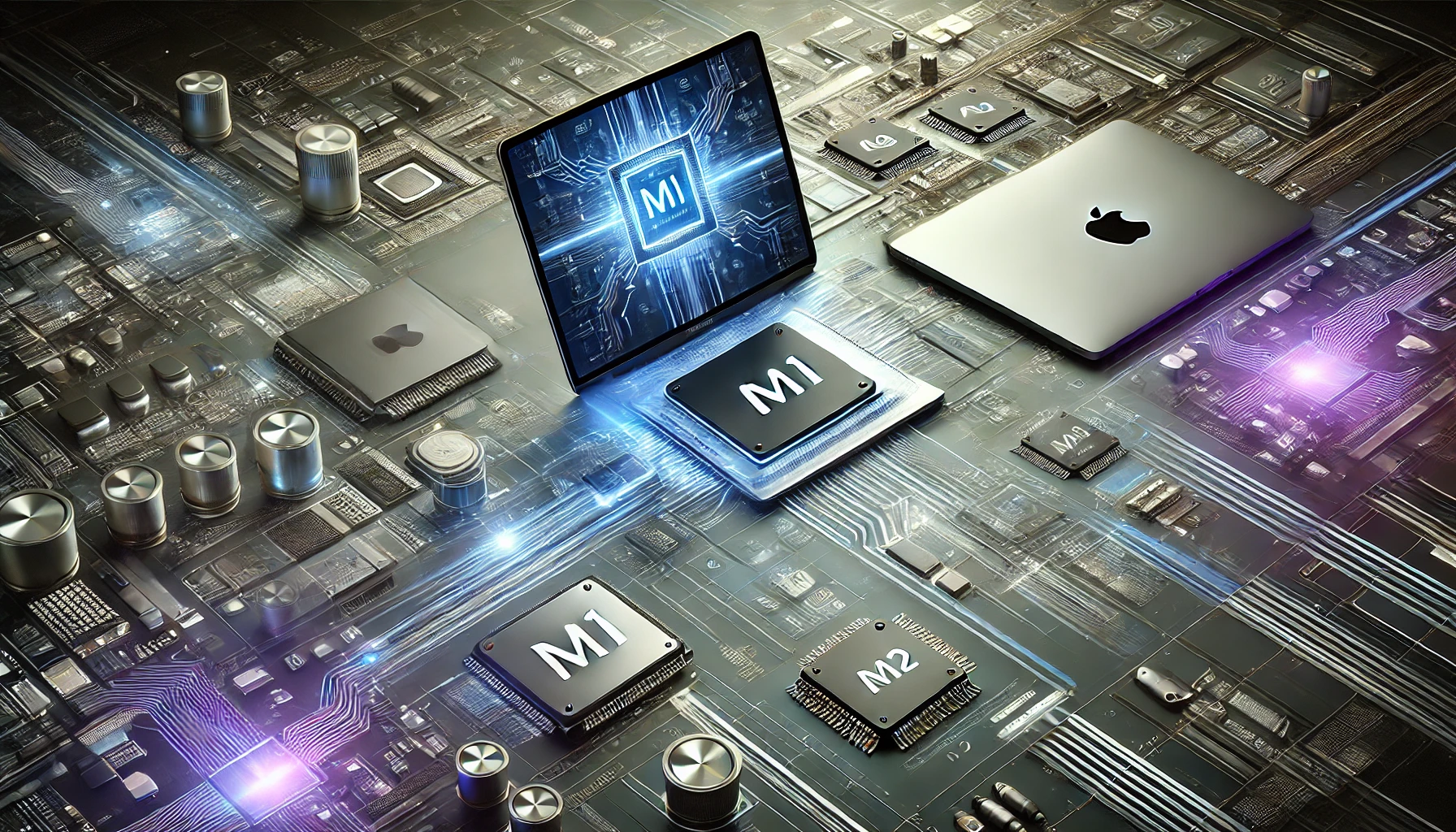
Essentially, the Apple M-series chips have changed the performance, efficiency, and scope of both the MacBook and iPad series. Whether you are a student who wants to pursue an excellent career in tech, a gamer seeking the best apparatus, or a creative professional, understanding how these chips work is really about paying respect to what they bring about.
Introduction: Apple’s Transition to M-series Chips
For years, Apples’ MacBook line relied on Intel processors. All that changed late in 2020 when the company unveiled its internal M1 processor: the first in a groundbreaking new line that marked one of the most significant shifts in how the company was developing its hardware.
The M-series chips are built on ARM architecture, similar to the A-series chips found in iPhones and iPads. They are “System on a Chip” (SoC), meaning that multiple components—like the CPU (Central Processing Unit), GPU (Graphics Processing Unit), RAM, Neural Engine, and more—are integrated into a single chip. This integration reduces latency and increases performance because data doesn’t need to travel between different components located across the motherboard. Instead, everything operates within a unified structure.
With its own chips, Apple can design every aspect of its devices for maximum efficiency and performance– something which was always quite a challenge with Intel processors. This enables Apple to offer products that not only work faster but consume less energy, giving them more battery life.
Why the Transition?
Apple made this transition for several reasons:
- Control Over Design: If it’s your own hardware and software, you have the ability to fine-tune them for perfect compatibility. The M-series of Apple was designed to bring maximum performance while working perfectly with macOS and iOS.
- Power Efficiency: The raw desire of Apple was to break away from power-guzzling chips and have an efficient one instead. The M-series yields better performance per watt compared to a standard Intel-based processor and results in less heat generation with superior battery life.
- Unified Ecosystem: Now that Apple brings iPhone and iPad apps, using shared ARM architecture, right onto the Mac with nearly seamless integration between macOS and iOS.
The Components of Apple’s M-Series Chips: A Closer Look
1. The CPU: Central Processing Unit
The CPU is essentially the brain of any computer. In the M-series chips, it has up to 10 cores divided into high-performance cores and energy-efficient cores. This division allows the system to handle demanding tasks like 4K video editing while also managing basic tasks like email with minimal power consumption.
High-performance cores are responsible for heavy lifting—tasks that require significant processing power, such as gaming, video editing, and compiling code. These cores are designed for speed and efficiency when you need raw power.
Energy-efficient cores handle lighter workloads like browsing the web or using basic apps, thus saving battery power. These cores are particularly important in laptops like the MacBook Air and Pro, where battery life is a key selling point.
The performance of the CPU in the M1 chip matches or exceeds that of most high-end Intel processors, even the 8-core Intel Core i9, but does so while consuming a fraction of the energy.
2. The GPU: High-End Graphics Performance Without a Dedicated Graphics Card
The GPU in the M-series chips is another standout feature. Integrated directly into the chip, the GPU is designed to handle complex graphical tasks, such as gaming, video rendering, and running graphically intense applications like 3D modeling software. Apple’s approach eliminates the need for a separate dedicated graphics card, drastically improving efficiency while maintaining high performance.
- Gaming Performance: While Apple devices are not traditionally known for gaming, the M-series chips have changed that perception. Games like Shadow of the Tomb Raider and Rise of the Tomb Raider can now be played on the M1 Pro and M1 Max chips at high settings with smooth frame rates.
- Video Editing and Design: Creative professionals using software like Final Cut Pro, Adobe Premiere Pro, or Blender can take full advantage of the GPU’s power to render videos in 4K or even 8K, manipulate high-resolution images, and create complex 3D models.
Why It Matters for Users: Students learning video editing, game development, or 3D modeling can now perform these tasks on a MacBook without needing external hardware like eGPUs (external Graphics Processing Units), thanks to the integrated GPU power of the M-series chips.
3. The Neural Engine: Accelerating Machine Learning and AI
One of the most innovative aspects of Apple’s M-series chips is the inclusion of a Neural Engine. This specialized component is designed specifically for handling machine learning (ML) tasks. With up to 16 cores in the M1, the Neural Engine can perform over 11 trillion operations per second. The M2 chip pushes this even further, making tasks such as voice recognition, image classification, and augmented reality smoother and faster.
- Core ML and Create ML: Apple offers tools like Core ML and Create ML that allow developers to easily integrate machine learning models into their apps. The M-series chips’ Neural Engine accelerates the performance of these models, making applications like real-time image recognition and natural language processing faster and more responsive.
- Practical Applications: For students and developers working in AI or data science, the Neural Engine is a game-changer. By leveraging this hardware, machine learning models can be trained more efficiently on local devices, reducing the need for cloud-based processing.
Why It Matters for Users: Machine learning and AI are growing fields with high demand in the job market. Understanding how Apple’s Neural Engine works and how to utilize it in app development can give students and developers an edge in creating faster, more efficient AI-powered applications.
4. Unified Memory Architecture (UMA): Faster, More Efficient Memory Management
One of the key innovations in the M-series chips is the Unified Memory Architecture (UMA). Traditional computers have separate memory pools for the CPU and GPU. This means that data needs to be copied between the two when performing tasks like gaming or video editing, leading to delays and inefficiencies.
With the M-series, Apple uses a single pool of memory that’s shared between the CPU, GPU, and Neural Engine. This allows the different components to access data faster and more efficiently, resulting in improved performance.
- Why It’s Important: Unified memory allows you to switch between tasks seamlessly. For instance, if you’re editing a high-resolution video while running other applications, UMA ensures that memory is allocated dynamically, preventing slowdowns.
- Benefits for Developers and Designers: For students in computer science, game development, or video production, understanding UMA can help optimize software to take advantage of this memory system, leading to smoother performance in resource-intensive tasks.
5. Security Features: The Secure Enclave and ISP
Apple’s focus on security is deeply integrated into the M-series chips. The Secure Enclave is a dedicated part of the chip responsible for handling encryption and sensitive data. This includes features like Touch ID, Face ID, and Apple Pay, ensuring that your biometric data and personal information are securely encrypted and inaccessible to unauthorized users.
- Image Signal Processor (ISP): Another critical component of the M-series is the ISP, which processes data from the device’s cameras to enhance image quality. The ISP uses machine learning to improve features like Smart HDR and Deep Fusion, which optimize lighting, contrast, and detail in photos.
Why It Matters for Users: Security is paramount in today’s digital world. By understanding how the Secure Enclave works, developers can build applications that leverage Apple’s secure infrastructure for payments, authentication, and personal data protection.
How M-Series Chips Are Developed: A Deep Dive into Chip Design
1. Built on ARM Architecture
Apple’s M-series chips are based on the ARM architecture, a type of Reduced Instruction Set Computing (RISC) architecture that’s known for its power efficiency and performance. ARM is the same architecture used in iPhones and iPads, which means Apple had years of experience building on this platform before it transitioned its Mac lineup to ARM.
ARM-based processors are typically more power-efficient than their x86 counterparts (used in most Intel and AMD processors). This is because ARM chips are designed to perform more straightforward, less power-hungry operations in each clock cycle.
By moving to ARM, Apple has been able to create chips that are not only more powerful but also consume far less energy than traditional desktop processors. The result? MacBooks with excellent battery life that don’t compromise on performance.
2. 5-Nanometer Process Technology
Apple’s M-series chips are built using 5-nanometer process technology. In simple terms, this means that the transistors on the chip are incredibly small—just five nanometers across. Smaller transistors allow more of them to be packed onto a single chip, which increases both speed and power efficiency.
The smaller the transistors, the more data you can process in a given time, and the less heat is produced. This is one of the reasons why the M1 chip can deliver such a high performance without the need for bulky fans or cooling systems, as seen in MacBooks.
3. Vertical Integration
Apple is one of the few tech companies that controls every aspect of its product’s design—from the chip to the software. This is called vertical integration, and it gives Apple an enormous advantage when it comes to optimization.
Because Apple designs the hardware, operating system, and apps to work together, it can extract the maximum possible performance out of its chips. This level of integration means that macOS is optimized to run on Apple’s custom silicon, resulting in faster app launch times, smoother multitasking, and better overall system performance.
4. Machine Learning and Optimization
Apple’s M-series chips rely heavily on machine learning to optimize performance. The Neural Engine is responsible for processing ML tasks, such as predictive text, photo recognition, and real-time processing of images and videos. By using machine learning, Apple can dynamically allocate system resources to where they’re most needed, ensuring that your MacBook or iPad always runs as efficiently as possible.
Learning and Starting a Career in Chip Development
If you’re interested in chip development or hardware engineering, the field is highly specialized, but the demand is growing rapidly, especially with companies like Apple pioneering new chip technologies. Here’s how you can get started:
1. Learn the Basics of Computer Architecture
Start with the basics of how computers work. You can take online courses in computer architecture, which will teach you how CPUs, GPUs, and other components work together. Some recommended courses include:
- Coursera: Computer Architecture by Princeton University
- Udemy: Computer Organization and Architecture
2. Learn Programming Languages
Programming is key to chip development. Languages like C, C++, and Assembly Language are commonly used in hardware design. ARM assembly language is especially useful if you’re looking to work with mobile or low-power chips.
- Books: “Computer Systems: A Programmer’s Perspective” is a great book to start learning low-level programming.
3. Study Electrical Engineering
Chip development is at the intersection of computer science and electrical engineering. You can study electronics and semiconductor physics to understand how chips are physically built. Look into degrees in Electrical Engineering or specialized courses like VLSI Design (Very-Large-Scale Integration).
- MIT OpenCourseWare offers free resources on electronics and semiconductor design.
4. Get Familiar with ARM Architecture
As Apple’s M-series chips are based on ARM architecture, studying ARM will give you an edge. ARM provides documentation and tutorials that will help you understand how their chips are designed.
5. Start with FPGA Programming
Before you get into chip design, you can start with FPGA (Field-Programmable Gate Array) programming. FPGAs allow you to configure hardware in a way similar to how chips are designed. They’re often used for prototyping and testing new chip designs.
- Xilinx offers FPGA programming tutorials and kits that you can use to practice.
6. Internships and Certifications
Once you have the necessary knowledge, look for internships at tech companies that specialize in hardware and chip design. Companies like ARM, Intel, and Qualcomm offer student internships in this field.
Additionally, certifications in ARM programming or chip design can make your resume stand out.
Full Example: Developing a Neural Network Application for MacBooks
To give you a hands-on understanding of how the M-series chips work, let’s walk through a simple example of developing a machine learning application that utilizes the M1 chip’s Neural Engine.
Step-by-Step Example
- Install Xcode: Xcode is Apple’s integrated development environment (IDE) for macOS. It includes tools like Core ML that allow you to develop machine learning applications for Apple devices.
- Download a Pre-trained Model: Use Create ML or download a pre-trained image recognition model from a repository like TensorFlow or PyTorch.
- Optimize the Model: With Core ML Tools, you can convert the model into a format optimized for the M-series chip. This step ensures that the model takes advantage of the Neural Engine, boosting performance.
- Implement the Model in Your App: Using Swift, Apple’s programming language, integrate the model into your application. You can use the Vision framework to perform real-time image classification on photos taken by the MacBook’s camera.
- Test and Optimize: Run the application and test its performance on an M1 or M2 device. Use the Xcode Profiler to monitor how the app interacts with the Neural Engine and optimize for speed and efficiency.
By following these steps, you’ll gain hands-on experience with Apple’s M-series chips and learn how to harness their power for machine learning applications.
Which is Better: M1, M1 Pro, M1 Max, or M2?
Apple has been releasing newer versions of its M-series chips, including the M1, M1 Pro, M1 Max, and M2. Each version comes with more cores, more GPU power, and more memory.
- M1: Best for casual users who need a fast, efficient machine for basic tasks like browsing, word processing, or light video editing.
- M1 Pro/Max: Suitable for professionals like video editors, developers, and 3D artists who need more power for demanding tasks.
- M2: Expected to push the boundaries even further with better performance and energy efficiency.
Conclusion
Apple’s M-series chips have set a new standard for performance, efficiency, and security in the world of personal computing. By integrating the CPU, GPU, Neural Engine, and memory into a single System on a Chip, Apple has created devices that are not only powerful but also energy-efficient and versatile.
For students and developers, learning about the architecture and functionality of the M-series chips opens up exciting possibilities in hardware engineering, software development, and machine learning. By understanding how these chips work, and developing skills in chip design, computer architecture, and AI, you can position yourself at the forefront of technological innovation.
So, whether you’re a student looking to learn more about chip design or a developer eager to harness the power of the M-series for your applications, Apple’s M-series chips offer endless opportunities for growth and creativity.
Leave a Reply